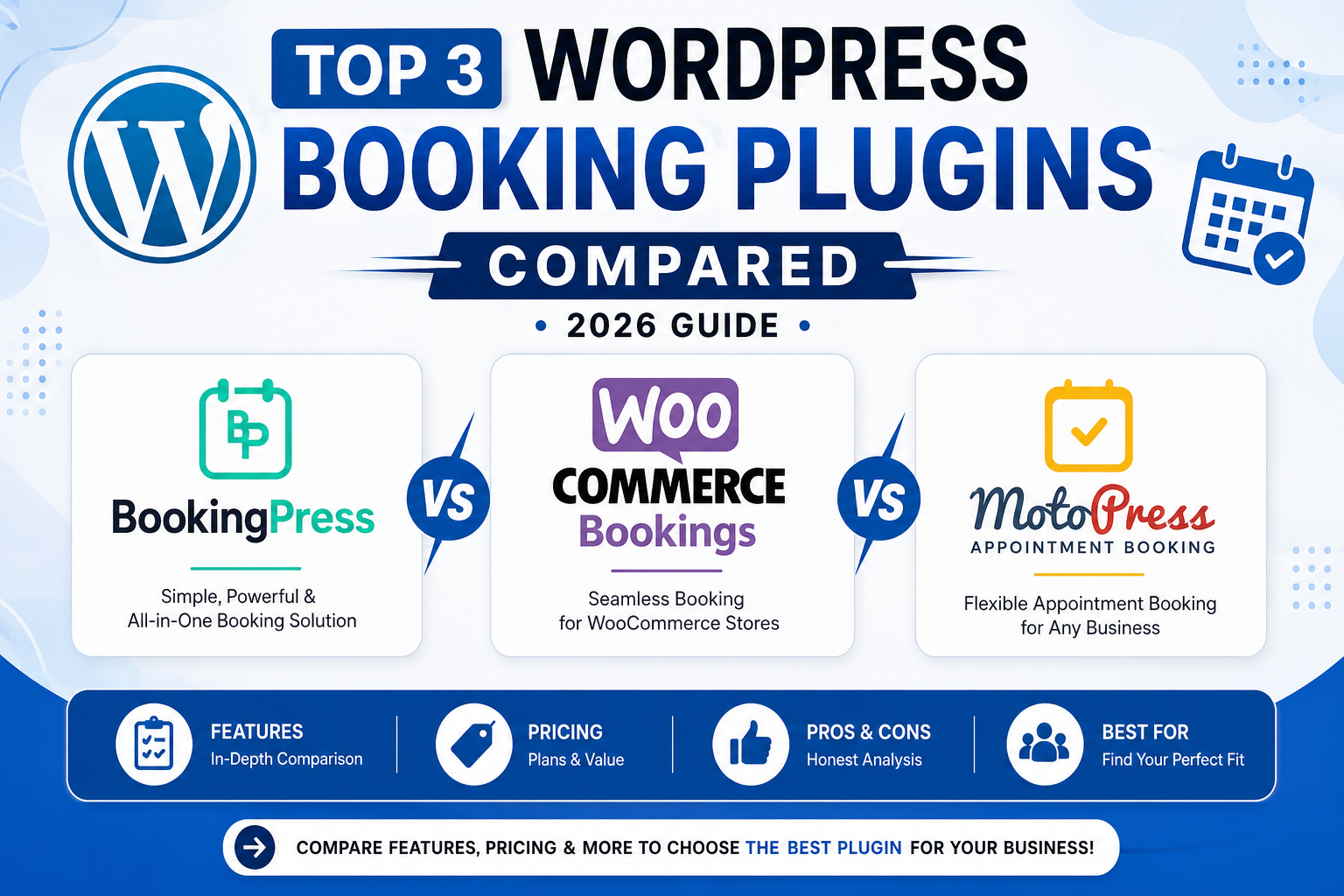
Compare the top 3 WordPress booking plugins for 2026—BookingPress, WooCommerce Bookings, and MotoPress Appointment Booking. Explore their features, pricing, pros, cons, and ideal use cases to choose the best booking solution for your WordPress website.
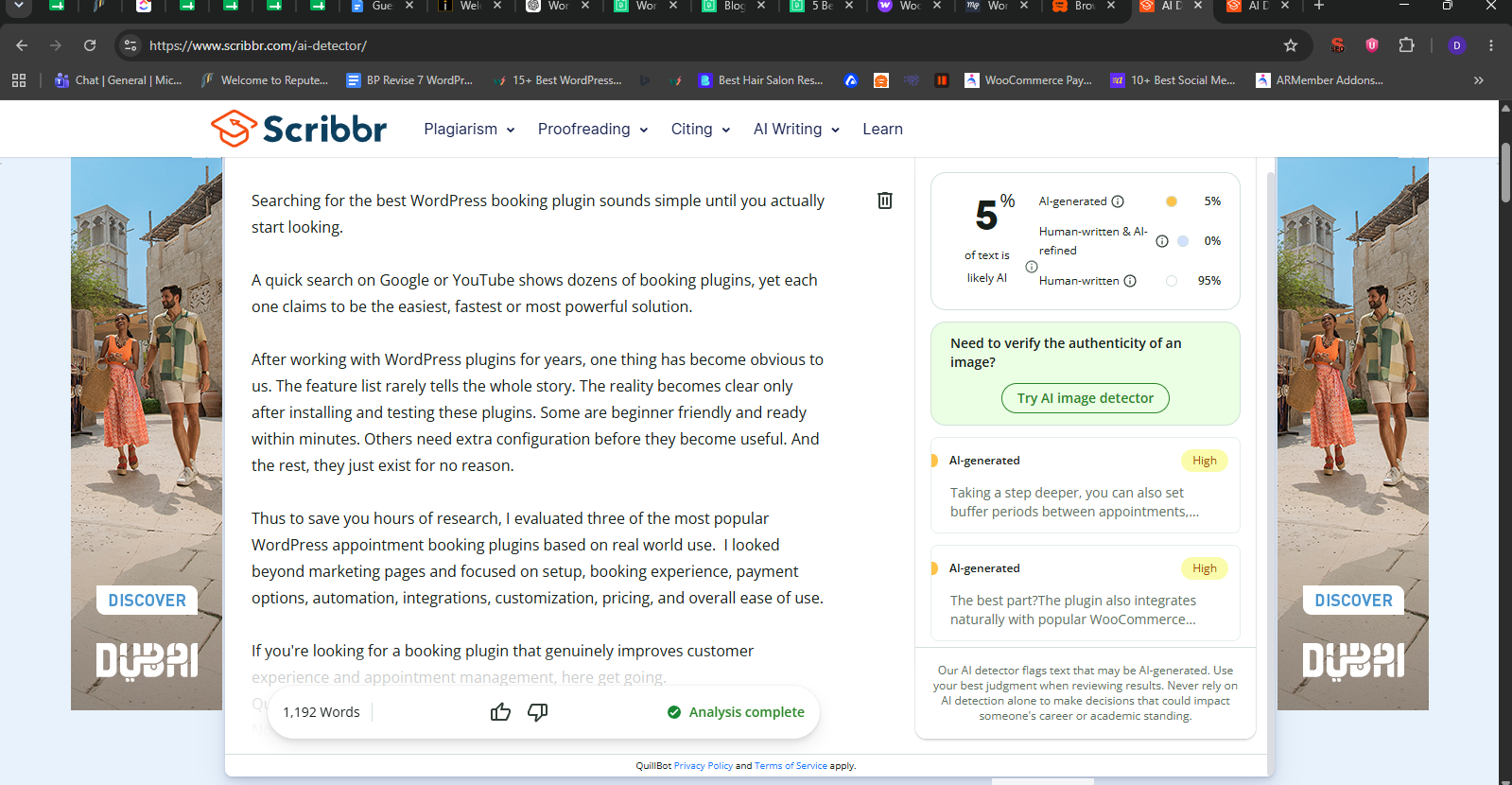
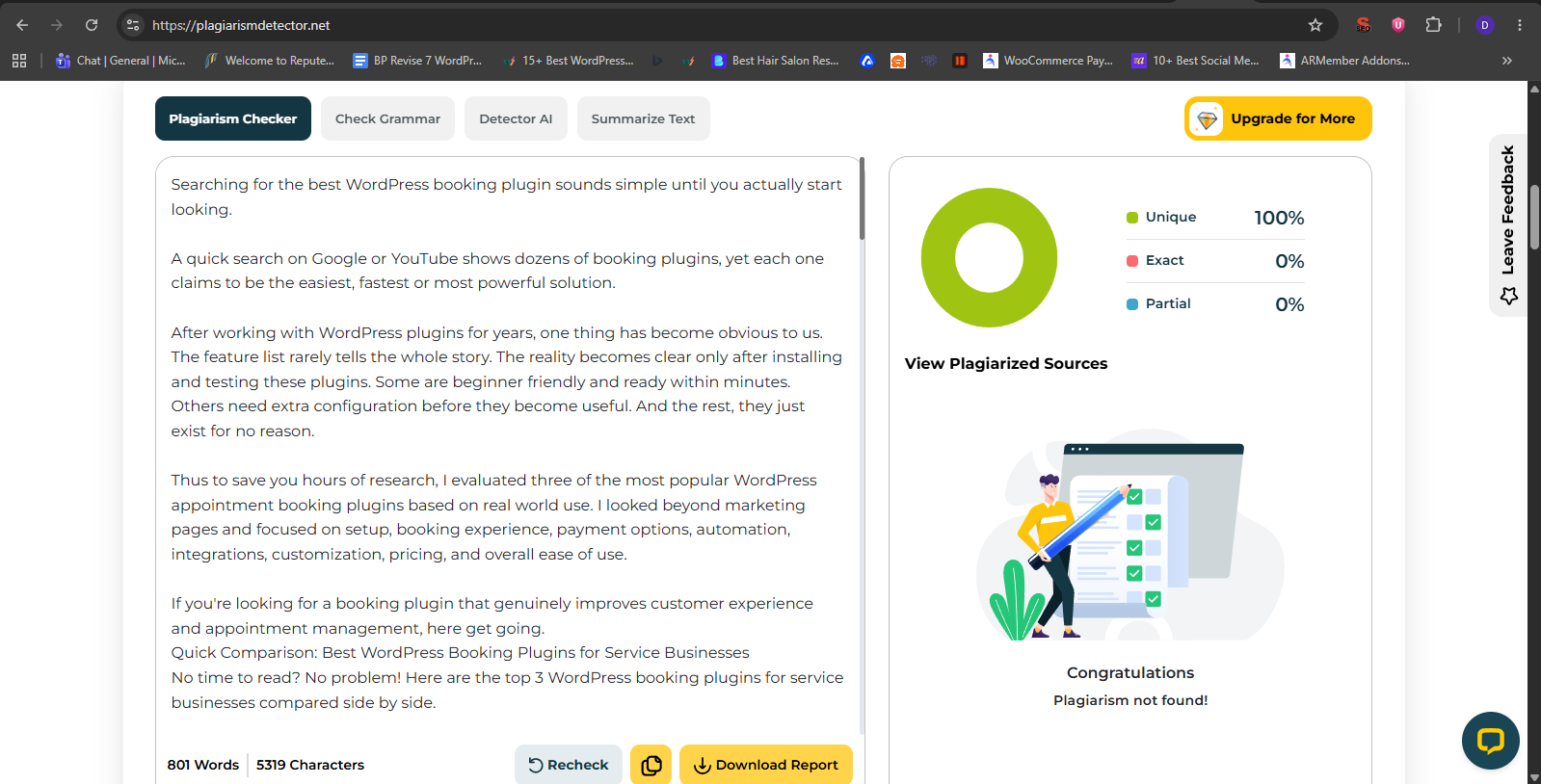
Searching for the best WordPress booking plugin sounds simple until you actually start looking.
A quick search on Google or YouTube shows dozens of booking plugins, yet each one claims to be the easiest, fastest or most powerful solution.
After working with WordPress plugins for years, one thing has become obvious to us. The feature list rarely tells the whole story. The reality becomes clear only after installing and testing these plugins. Some are beginner friendly and ready within minutes. Others need extra configuration before they become useful. And the rest, they just exist for no reason.
Thus to save you hours of research, I evaluated three of the most popular WordPress appointment booking plugins based on real world use. I looked beyond marketing pages and focused on setup, booking experience, payment options, automation, integrations, customization, pricing, and overall ease of use.
If you're looking for a booking plugin that genuinely improves customer experience and appointment management, here get going.
Quick Comparison: Best WordPress Booking Plugins for Service Businesses
No time to read? No problem! Here are the top 3 WordPress booking plugins for service businesses compared side by side.
Top 3 Appointment Booking Plugins for WordPress Reviewed
1. BookingPress
Alt: bookingpress
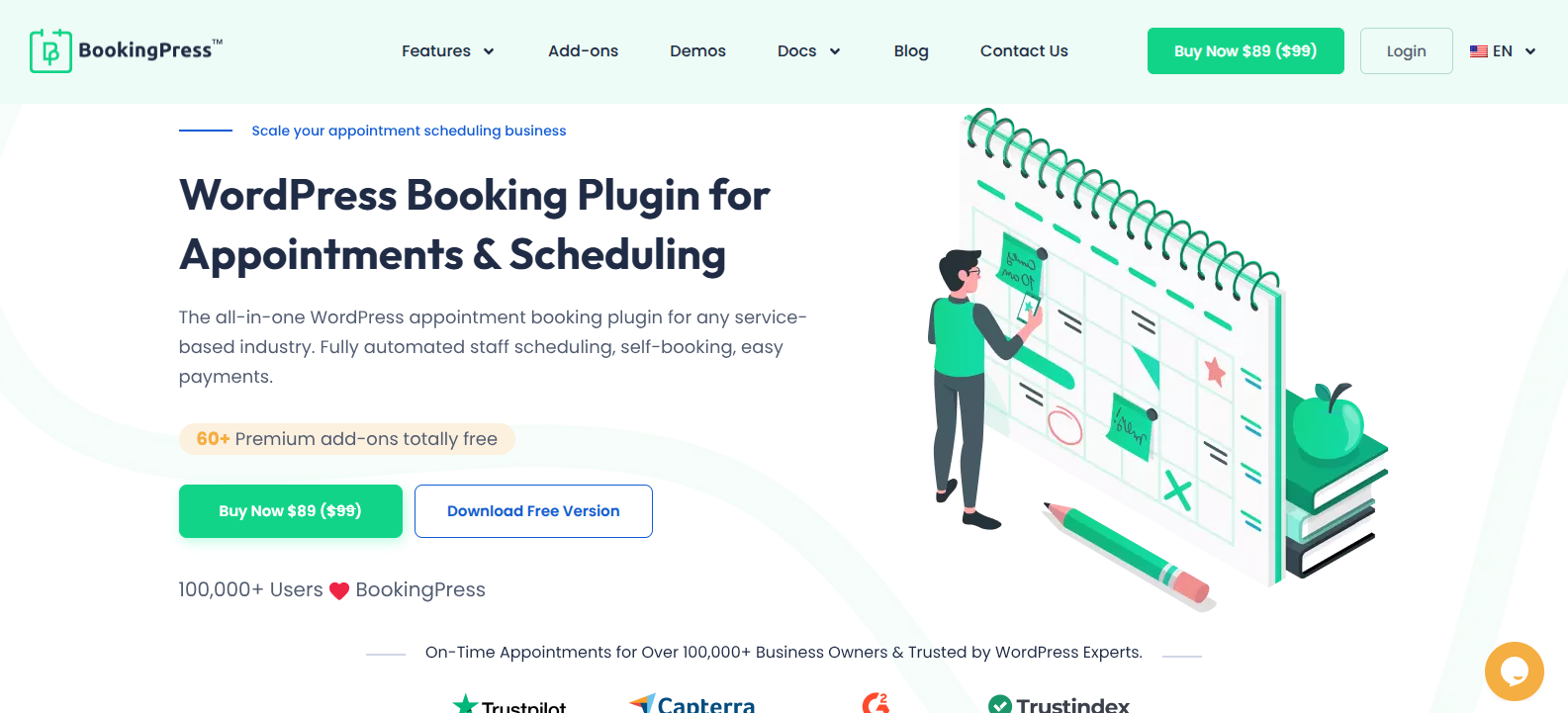
BookingPress is the most feature-rich WordPress booking plugin I've ever tested. Packed with a set of 60+ premium addons at zero extra cost, you can easily build a complete online booking system.
This appointment booking plugin makes online booking for you and your customers hassle-free. You can create a fully branded booking form using its extensive styling options with zero coding (And if you're so tech-savvy, sure you can go for a custom CSS option). Your customers can easily book, reschedule and manage their appointments from their own dedicated customer panel.
Furthermore, each of your staff members also get their own dashboard so they can manage their own schedule and appointments. In fact, the BookingPress system also supports multiple locations if you have a large business with multiple branches.
What impressed me the most is that you can send automatic confirmations and reminders to lower your no-show rates via Email, SMS, WhatsApp and Telegram. Plus, to ensure everyone stays on the same page, you can two-way sync your bookings across popular calendars like Google Calendar, Outlook Calendar and iCal.
At last, you can even accept on-site or online payment, be it full or deposit via 21+ payment gateways + POS system for secure local or international transactions.
All in all, BookingPress is overall the best WordPress booking plugin for service businesses of all sizes. What's more is everything we discussed here is just the tip of the iceberg.
Here's some more outstanding features of BookingPress:
Unlimited appointments, services, staff members and locations
21+ global payment gateways
Two-way calendar sync
Automatic notifications via Email, SMS, WhatsApp and Telegram
Advanced staff management
Location management
Recurring, Group and multiple appointments
Custom discount codes, gift cards and dynamic happy hours pricing
Virtual integration via Zoom
Centralized analytics dashboard along with detailed reports
Service extras and service packages
Automatic invoice generation and tax calculation
Pros:
60+ premium addons in-built at no extra cost
Sleek, SaaS-style user interface
Excellent scheduling flexibility
Robust admin, staff and client portals
Cost effective with free, yearly and lifetime plans
Cons:
Some advanced features needs premium version
No mobile app
Price:
Free version available
The premium plan starts from $89/Year
Unlimited appointments, services, staff members and locations
21+ global payment gateways
Two-way calendar sync
Automatic notifications via Email, SMS, WhatsApp and Telegram
Advanced staff management
Location management
Recurring, Group and multiple appointments
Custom discount codes, gift cards and dynamic happy hours pricing
Virtual integration via Zoom
Centralized analytics dashboard along with detailed reports
Service extras and service packages
Automatic invoice generation and tax calculation
60+ premium addons in-built at no extra cost
Sleek, SaaS-style user interface
Excellent scheduling flexibility
Robust admin, staff and client portals
Cost effective with free, yearly and lifetime plans
Some advanced features needs premium version
No mobile app
Free version available
The premium plan starts from $89/Year
2. WooCommerce Bookings
Alt: woocommerce bookings
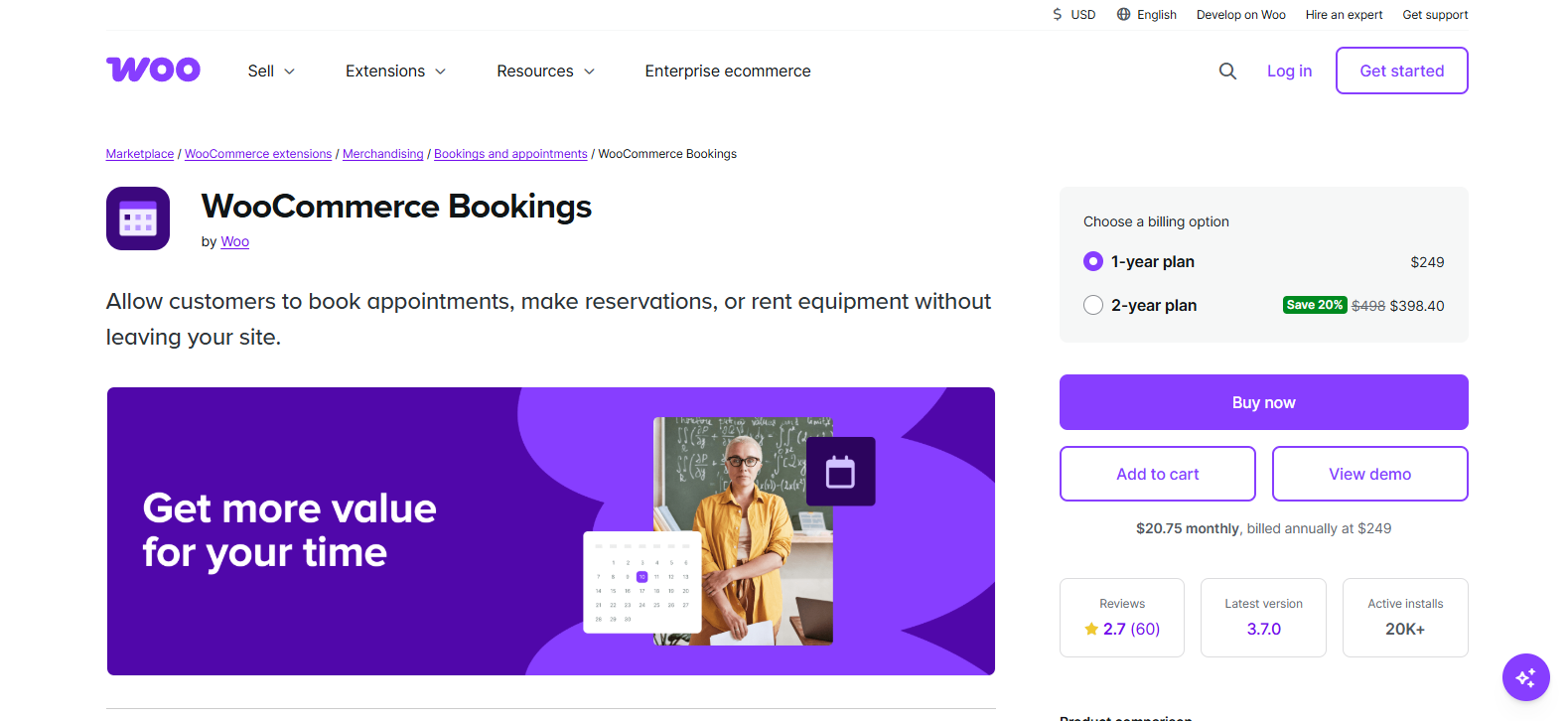
WooCommerce Bookings is a powerful appointment booking for those already using the WooCommerce ecosystem.
During my testing, I found that this plugin feels less like a standalone booking system and more like an extension (well, because it IS an WooCommerce extension by Woo) that turns your WooCommerce store into a complete booking platform.
If you already sell products or services through WooCommerce, then just go for it. The setup will feel like home, and you'll easily be able to create bookable products, set availability as well as booking durations, manage staff schedules, and plus, allow customers to reserve appointments directly from your website.
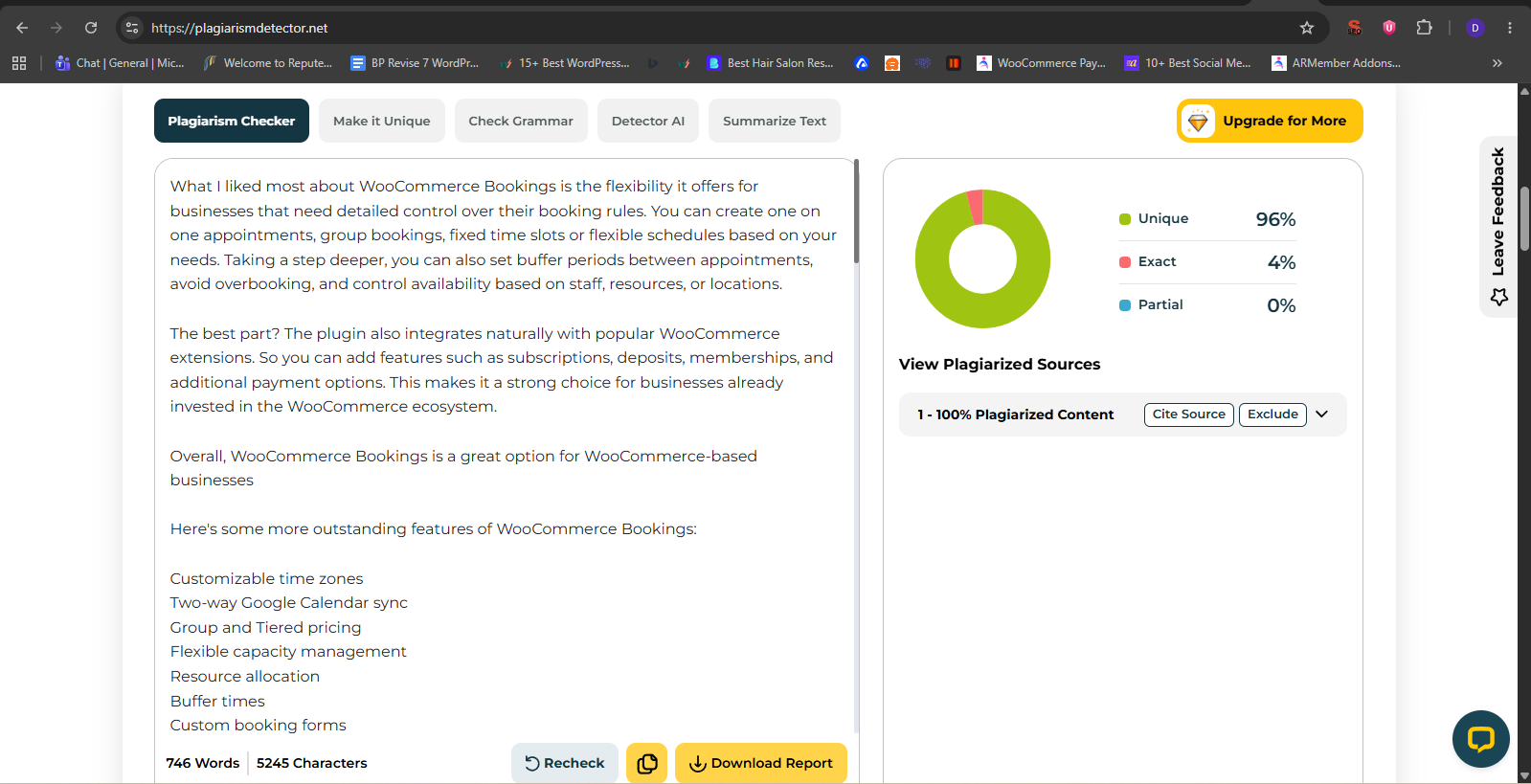
What I liked most about WooCommerce Bookings is the flexibility it offers for businesses that need detailed control over their booking rules. You can create one on one appointments, group bookings, fixed time slots or flexible schedules based on your needs. Taking a step deeper, you can also set buffer periods between appointments, avoid overbooking, and control availability based on staff, resources, or locations.
The best part? The plugin also integrates naturally with popular WooCommerce extensions. So you can add features such as subscriptions, deposits, memberships, and additional payment options. This makes it a strong choice for businesses already invested in the WooCommerce ecosystem.
Overall, WooCommerce Bookings is a great option for WooCommerce-based businesses
Here's some more outstanding features of WooCommerce Bookings:
Customizable time zones
Two-way Google Calendar sync
Group and Tiered pricing
Flexible capacity management
Resource allocation
Buffer times
Custom booking forms
Automated email reminders
Manual booking creations
Needs admin to review and approve booking
Pros:
Complete control and ownership
Developed official by Woo
Flexible scheduling
Automated admin tool
Integrates with WooCommerce subscriptions and WooCommerce Memberships
Cons:
Too much expensive for small stores
Complex configurations
Advanced features such as staff management, iCal sync or deposit needs third party extensions
Price:
No free version available
The premium plan starts from $249/Year.
Customizable time zones
Two-way Google Calendar sync
Group and Tiered pricing
Flexible capacity management
Resource allocation
Buffer times
Custom booking forms
Automated email reminders
Manual booking creations
Needs admin to review and approve booking
Complete control and ownership
Developed official by Woo
Flexible scheduling
Automated admin tool
Integrates with WooCommerce subscriptions and WooCommerce Memberships
Too much expensive for small stores
Complex configurations
Advanced features such as staff management, iCal sync or deposit needs third party extensions
No free version available
The premium plan starts from $249/Year.
3. MotoPress Appointment Booking
Alt: motopress appointment booking
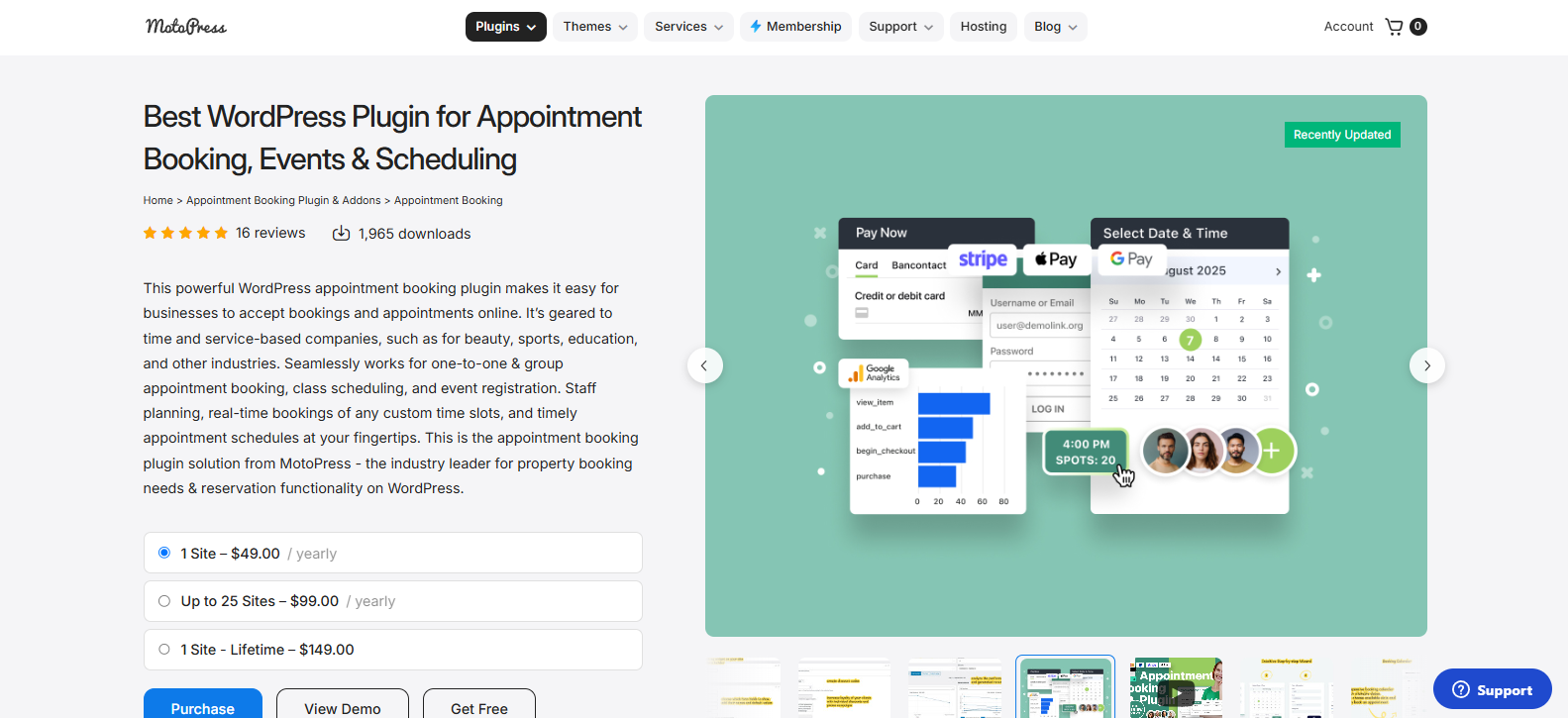
After testing another famous plugin - MotoPress Appointment Booking, I found it to be a solid choice for businesses that want a booking system without spending hours learning complicated settings.
I like how it doesn't try to overwhelm you with dozens of features as the focus is on getting your online appointment system up and running quickly.
The setup wizard deserves special mention. Right after activation, it guides you through creating your first service, employee, location and booking form. Compared to many booking plugins that leave you figuring everything out yourself, this onboarding experience is much more beginner friendly.
Creating services, assigning staff members, setting working hours, and publishing the booking form is good to go. I also liked the booking wizard (Booking form) on the front end. Customers simply pick a service, pick a staff member (if applicable), select an available time slot and complete the booking in just a few steps.
Moreover, MotoPress also includes useful features for growing businesses. You can manage multiple employees and locations, accept full or partial online payments, create recurring appointments, offer group bookings, and connect Google Calendar. If your business provides online consultations, there's support for Zoom and Google Meet through premium extensions.
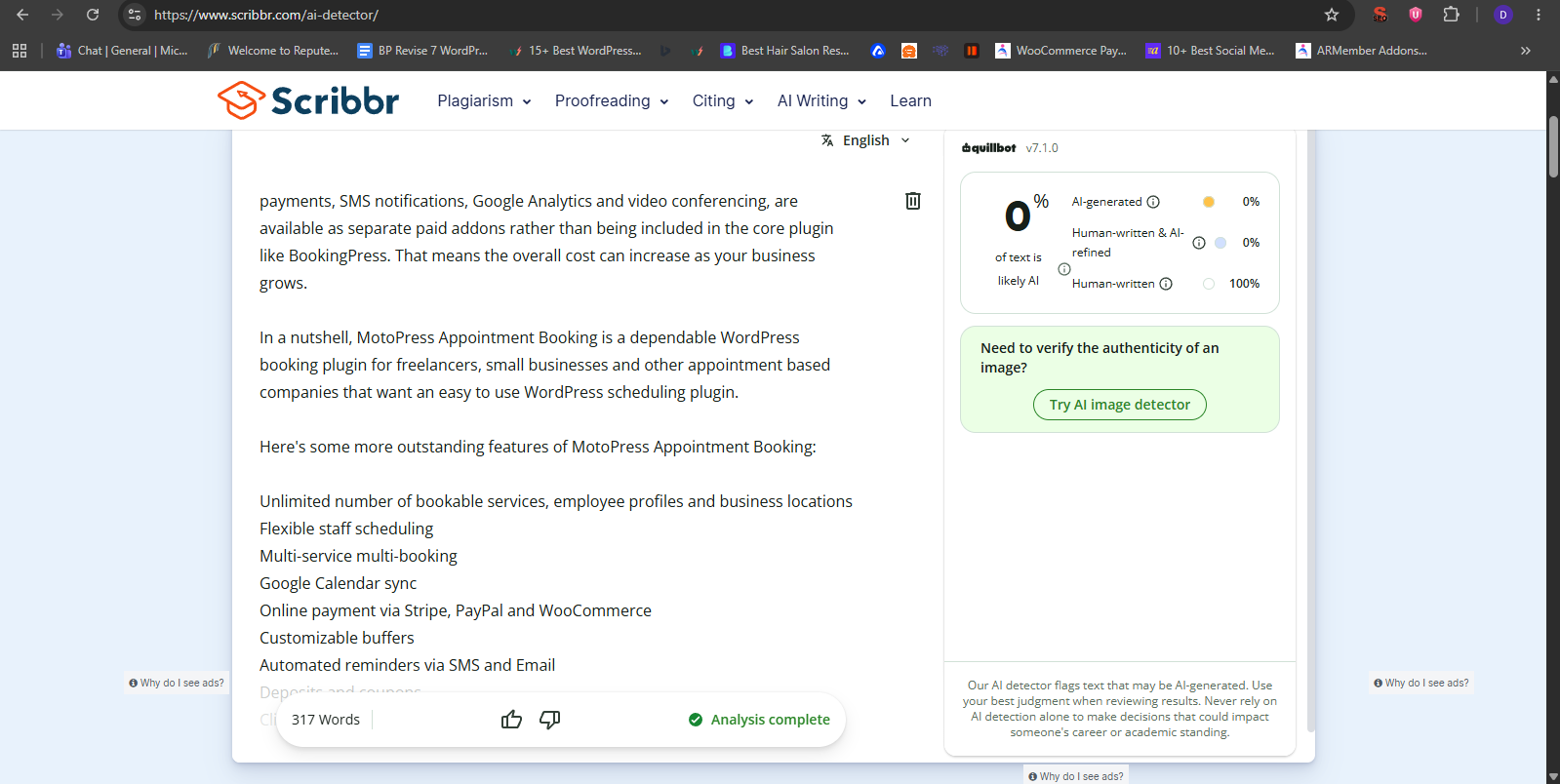
Where MotoPress falls a little behind is its ecosystem. A lot of advanced features like WooCommerce payments, SMS notifications, Google Analytics and video conferencing, are available as separate paid addons rather than being included in the core plugin like BookingPress. That means the overall cost can increase as your business grows.
In a nutshell, MotoPress Appointment Booking is a dependable WordPress booking plugin for freelancers, small businesses and other appointment based companies that want an easy to use WordPress scheduling plugin.
Here's some more outstanding features of MotoPress Appointment Booking:
Unlimited number of bookable services, employee profiles and business locations
Flexible staff scheduling
Multi-service multi-booking
Google Calendar sync
Online payment via Stripe, PayPal and WooCommerce
Customizable buffers
Automated reminders via SMS and Email
Deposits and coupons
Client notes and profiles
Pros:
Generous free version
Built-in payment gateways (Stripe, PayPal and back transfer)
Smooth two-way calendar sync
Page builder friendly
Affordable for small businesses
Cons:
No recurring appointments
Smaller community compared to BookingPress and WooCommerce Bookings
Complex service to location setup
Price:
Free version available
The premium plan starts from $49/Year.
Unlimited number of bookable services, employee profiles and business locations
Flexible staff scheduling
Multi-service multi-booking
Google Calendar sync
Online payment via Stripe, PayPal and WooCommerce
Customizable buffers
Automated reminders via SMS and Email
Deposits and coupons
Client notes and profiles
Generous free version
Built-in payment gateways (Stripe, PayPal and back transfer)
Smooth two-way calendar sync
Page builder friendly
Affordable for small businesses
No recurring appointments
Smaller community compared to BookingPress and WooCommerce Bookings
Complex service to location setup
Free version available
The premium plan starts from $49/Year.